Jetson for Product Teams
Stop Manually Triaging Tickets
If you're a PM at a growing startup, you probably spend several hours every month doing the same thing: reading through support tickets, tagging issues, trying to spot patterns, and grouping similar reports so engineering can tackle them together.
We've talked to PMs at 100+ person startups who describe this exact workflow. The work is necessary—you can't write a good PRD without understanding what customers are actually experiencing. But it's also tedious, time-consuming, and easy to get wrong.
The Current Reality
Most PMs handle customer feedback like this:
- 1 Manual triage: Read through support conversations to identify bugs and feature requests
- 2 Spreadsheet tracking: Copy issues into a spreadsheet or project management tool
- 3 Pattern hunting: Scroll through weeks of tickets trying to spot duplicates and related issues
- 4 Impact estimation: Guess at how many customers are affected based on what you remember seeing
- 5 PRD writing: Compile everything into a document for engineering
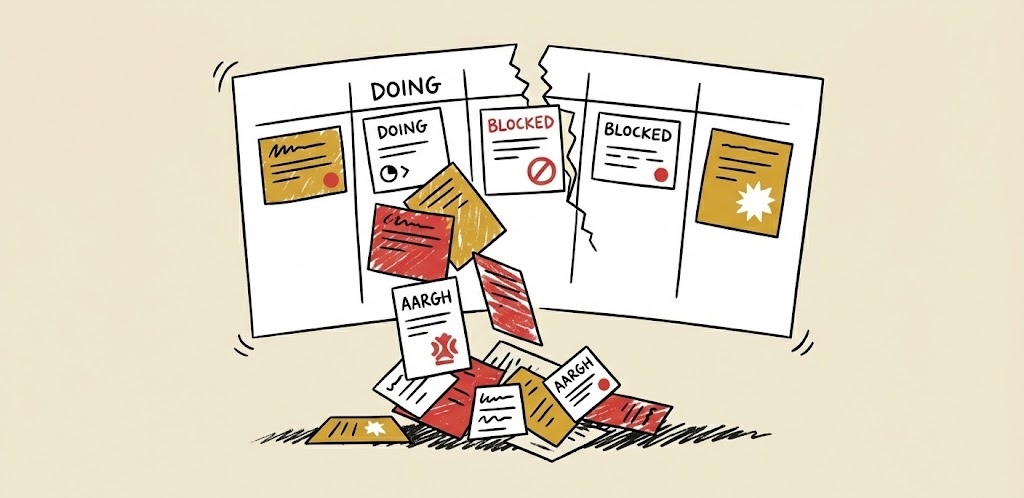
This process works, but it has problems:
It takes hours. PMs we've spoken with estimate 4-8 hours per month just on triage and grouping.
Things slip through. When you're reading hundreds of tickets, you miss things. A bug mentioned once in passing gets lost.
Duplicates are hard to spot. The same issue reported 10 different ways looks like 10 separate problems.
Impact is unclear. "I think a lot of people are hitting this" isn't the same as knowing exactly how many.
A Simpler Workflow
Jetson connects to your support inbox and automatically classifies every conversation. Bugs, feature requests, and general questions get sorted without you reading each one.
1. Automatic Classification
When a customer reports something, Jetson reads the conversation and categorizes it. You don't need to set up rules or train anything—it works out of the box. Integrates with Help Scout, Intercom, and Zendesk.
2. Duplicate Detection
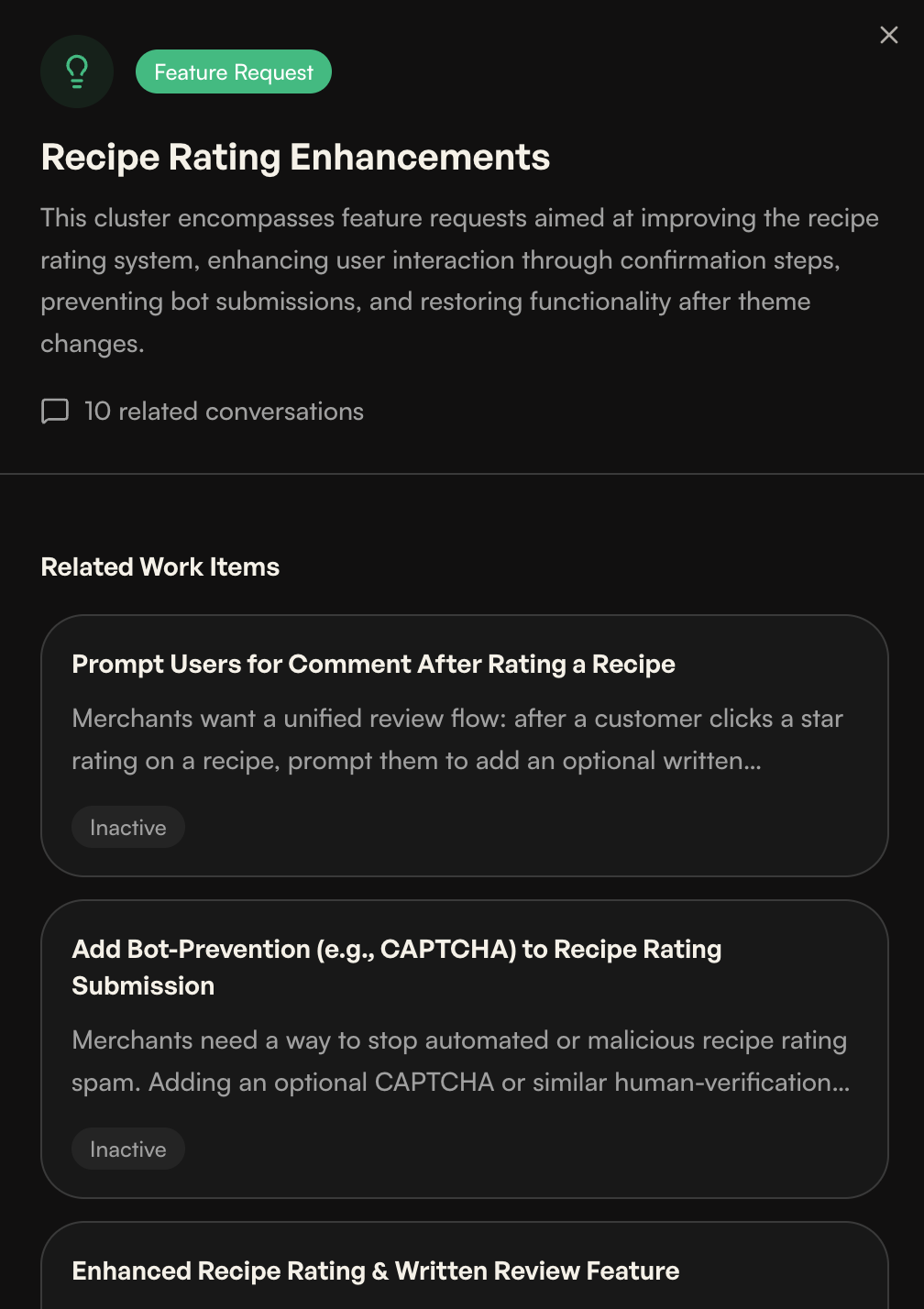
Jetson groups similar issues automatically. Ten customers reporting the same bug in different words? They show up as one item with a count of 10.
This matters for PRDs. Instead of listing "login issues" as a vague category, you can say "47 customers reported timeout errors during OAuth login in the past month."
Mobile login button unresponsive on iOS
Three customers can't log in on iOS — button unresponsive on tap. Desktop works fine.
LoginButton.svelteauth/session.ts3. Impact Numbers
Every bug and feature request shows how many customers mentioned it and how recently. You can sort by frequency or recency to understand what's urgent versus what's been a long-standing annoyance.
4. One-Click GitHub or Linear Issues
When you're ready to hand something to engineering, click once to create a GitHub or Linear issue. It includes the customer quotes, context about how many people are affected, and relevant details from the conversations.
No copy-pasting. No formatting. The issue is ready for your team to pick up.
Mobile login button unresponsive on iOS Safari
14 iOS users unable to log in since this morning. Mobile Safari touch events not firing on the login button, blocking all mobile authentication.
"I tap the login button on my iPhone and nothing happens. Tried Safari and Chrome — same thing."
— Monica Hall
"Works fine on desktop but the button is completely dead on mobile Safari. Started after last week's update."
— Dinesh Chugtai
Suspected touch event regression. Mobile Safari requires explicit touchend listener.
src/components/LoginButton.tsxsrc/lib/auth/session.tsWhat Changes
PMs using Jetson describe two main differences:
Time saved on triage
The hours spent reading and categorizing tickets drops significantly. You still review what Jetson surfaces, but you're reviewing a curated list instead of raw tickets.
Better PRDs
When you know exactly how many customers are affected by each issue, you can prioritize with confidence. Engineering gets clearer requirements because you have real data instead of impressions.
The Workflow in Practice
Here's a typical monthly workflow with Jetson:
Weekly check-in (15-30 min)
Review the dashboard. See what's trending, what's new, what's resolved. Flag anything that needs attention.
PRD prep (30-60 min)
Pull up patterns and duplicates. See which issues cluster together. Export to GitHub or Linear with context.
Sprint planning
Reference Jetson data when discussing priorities. "This bug affects 23 customers" is more useful than "I think this is important."
Compare this to 4-8 hours of manual triage and grouping.
Not a Replacement
Jetson doesn't replace product judgment. You still decide what to build. You still write the PRD. You still understand your customers better than any tool.
What it does is handle the tedious parts—the reading, sorting, counting, and grouping—so you can focus on the parts that actually require a PM.
Getting Started
Connect your Help Scout, Intercom, or Zendesk inbox and Jetson starts analyzing conversations immediately. Most teams see useful insights within a few hours of connecting.
Link GitHub or Linear to create issues with one click. Setup takes about 30 seconds.
Related use cases
For engineering teams
Bug reports with customer quotes, reproduction context, and suggested code files.
Learn moreFor product managers
Prioritize by customer impact with quotes, counts, and deduped themes.
Learn moreFor support teams
Automatic classification and deduplication so every ticket becomes actionable signal.
Learn moreReady to stop manually triaging?
Cut hours of triage and grouping into minutes of review. Write better PRDs with real customer data.