Jetson for Founders
Build a Product That Fixes Itself
There's a workflow that many founders dream about: a customer reports a problem, and it gets fixed without you doing anything. Not escalated, not triaged, not added to a backlog—actually fixed.
When you connect Jetson to GitHub and tag a coding agent like Claude Code, customer support requests can turn into shipped fixes with minimal human involvement.
The Dream Workflow
Here's what it looks like:
- 1 Customer emails support about a bug
- 2 Jetson identifies it as a bug and creates a GitHub issue with full context
- 3 Claude Code picks up the issue, writes a fix, and opens a PR
- 4 You review and merge
The customer's problem goes from "reported" to "fixed" without you writing code or even creating a ticket manually.
Why This Matters for Founders
If you're a founder at an early-stage company, your time is the scarcest resource. Every hour spent on bug fixes is an hour not spent on strategy, sales, or talking to customers.
This workflow changes the math. Instead of:
Traditional: 65 minutes
- • Read support ticket (5 min)
- • Reproduce the issue (15 min)
- • Write a fix (30 min)
- • Test and deploy (15 min)
With Jetson + Agent: 6 minutes
- • Review a PR (5 min)
- • Merge (1 min)
Not every bug can be fixed this way. Complex architectural issues still need human attention. But a surprising number of customer-reported bugs are straightforward: a typo, a missing null check, an edge case that wasn't handled.
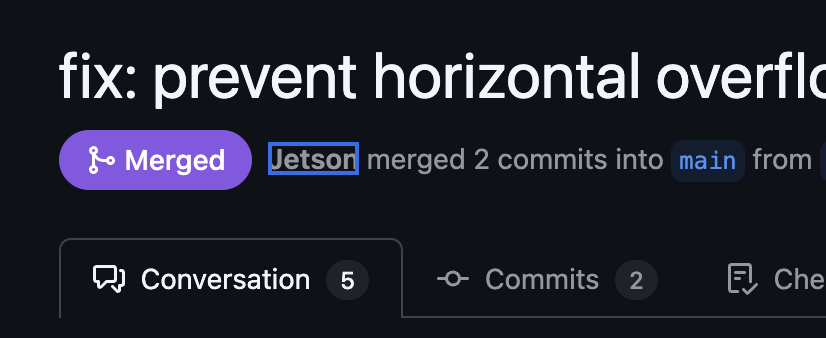
A Self-Healing Product
The bigger idea here is building a product that responds to customer feedback automatically.
Traditional Flow
With Jetson + Agent
This isn't about removing humans from the loop. You're still reviewing PRs. You're still making decisions about what gets merged. But the tedious middle steps—triage, ticket creation, initial implementation—are handled automatically.
More Time for the Business
When routine bugs fix themselves, you're not context-switching between code and everything else. Customer feedback flows into fixes without you being the bottleneck.
This doesn't mean building everything customers ask for. You still have product vision. You still say no to things that don't fit. But the small stuff—the typos, the edge cases, the "this button doesn't work on Safari"—gets handled without pulling you away from the parts of the business that need your attention.
How It Works
Step 1: Connect Your Support Inbox
Jetson integrates with HelpScout, Intercom, and Zendesk. Once connected, it reads every conversation and identifies bugs, feature requests, and questions automatically.
Checkout page just spins forever on Safari...
Can we get CSV exports for the reports dashboard?
Dashboard takes 10+ seconds to load every morning
Payment fails every time I use Safari on my Mac
Step 2: Connect GitHub
Link your GitHub repository. When Jetson identifies a bug worth fixing, you can create an issue with one click. The issue includes:
- • Customer quotes describing the problem
- • How many customers reported it
- • Relevant context from the conversations
Mobile login button unresponsive on iOS Safari
14 iOS users unable to log in since this morning. Mobile Safari touch events not firing on the login button, blocking all mobile authentication.
"I tap the login button on my iPhone and nothing happens. Tried Safari and Chrome — same thing."
— Monica Hall
"Works fine on desktop but the button is completely dead on mobile Safari. Started after last week's update."
— Dinesh Chugtai
Suspected touch event regression. Mobile Safari requires explicit touchend listener.
src/components/LoginButton.tsxsrc/lib/auth/session.tsStep 3: Tag Your Coding Agent
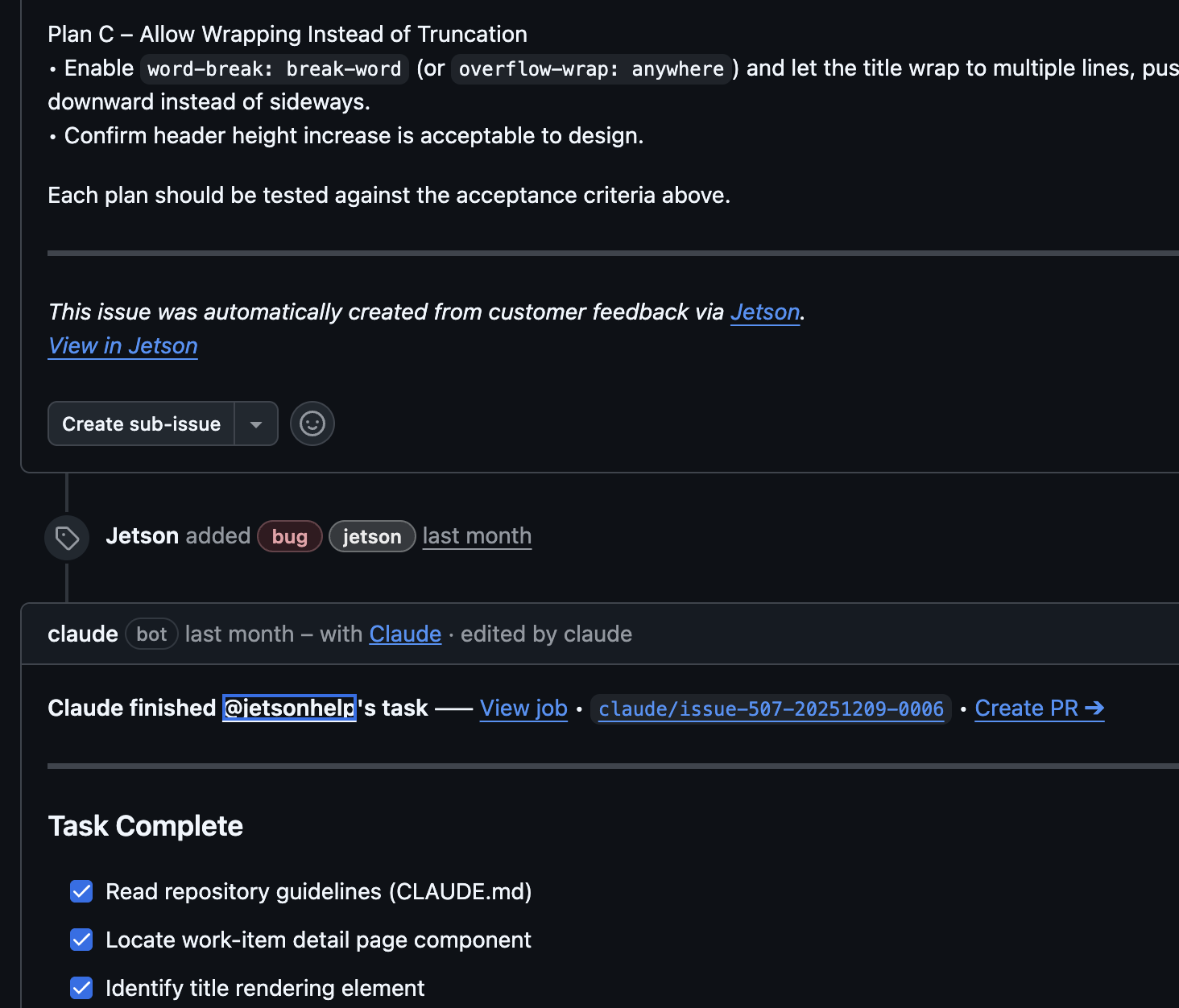
Set up Claude Code (or another coding agent) to watch for issues with a specific label. When Jetson creates an issue with that label, the agent picks it up and starts working.
The agent reads the issue, understands the context, writes a fix, and opens a PR.
Step 4: Review and Merge
You get a PR with a clear description of what changed and why. Review it, run your tests, and merge if it looks good.
The customer's bug is fixed. They might not even know it was automated.
What You Get
Founders using this workflow describe a few key benefits:
More time for strategy
When routine bugs fix themselves, you spend less time in the code and more time on the business.
Faster customer response
"We fixed that, it'll be in the next release" becomes "We fixed that, it's live now."
Confidence in quality
Every customer report gets addressed systematically. Nothing falls through the cracks because you were busy with something else.
Getting Started
The setup takes about 30 minutes:
- 1 Connect HelpScout, Intercom, or Zendesk to Jetson
- 2 Connect GitHub or Linear to Jetson
- 3 Set up Claude Code with access to your repo
- 4 Configure auto-labeling so the agent picks up relevant issues
After that, the workflow runs on its own. Customer reports come in, issues get created, PRs get opened.
You just review and merge.
Related use cases
For small teams
Get product insights without hiring a PM to read every ticket.
Learn moreFor bootstrapped companies
Product insights at a price that makes sense when every dollar counts.
Learn moreFor product teams
Classified bugs and feature requests grouped by customer count — no manual triage.
Learn moreReady to build a self-healing product?
Customer feedback flows into code changes. You review and merge. The tedious middle steps are handled automatically.